Google Personal Intelligence: Inbox and Photos Data Now Fuel Search Ads
A policy update effective October 16 allows users to link account data to ad personalization, a change tied to the Personal Intelligence feature.
By Kaito Shevchenko ·
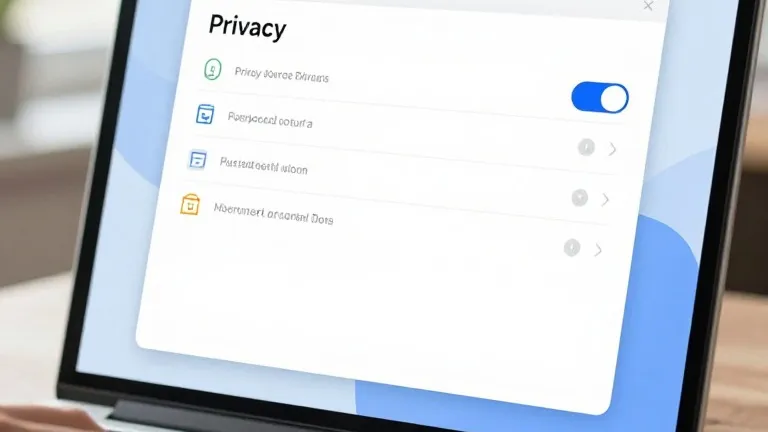
Google’s privacy policy changed on October 16. The update creates a pathway for search ads to be targeted using content from Gmail, Drive, and Photos. This change is connected to the rollout of the Personal Intelligence feature.
Earlier versions of the policy stated that personalized ads were not based on user content from these services. The new text adds an exception. It says the rule applies unless a user chooses to make data from these services available to other Google services that support personalized ads. Android Authority first noted the change, and The Verge subsequently covered the update.
The policy describes a specific mechanism for this data sharing. Users can allow services like Search or Gemini apps to access data from other tools, including Photos and Workspace apps. In return, Google offers a more personalized experience. The document provides a direct example. Search may process some of the data a user permits it to access in order to personalize content, including ads.
The Personal Intelligence feature began rolling out in beta at the start of 2026. It allows Gemini to draw on data shared across Google apps. The current policy language suggests that turning on this feature is the primary way users grant access for ad targeting. The choice remains opt-in for now.
Google has not stated that it shares the full contents of an inbox or photo library with advertisers. However, the revised language makes it possible for ads to be targeted using that connected content within Search. The company’s stance on personally identifying information has not shifted. The policy still states that advertisers will not see names or email addresses without explicit user permission. This language matches earlier versions of the document.
Users can manage these settings through their account dashboard. They should open the Data & privacy section of the My Account page and select Personalization settings. From there, they can choose Manage Personalized Recommendations in Search services. This page includes a Turn off button that disables personalized recommendations entirely.
The policy change took effect one week before this report. It aligns with the broader integration of user data across Google’s product ecosystem. The company maintains that the feature is optional, but the default experience for those who enable it now includes a link between account data and ad personalization.
Source: 9to5Google